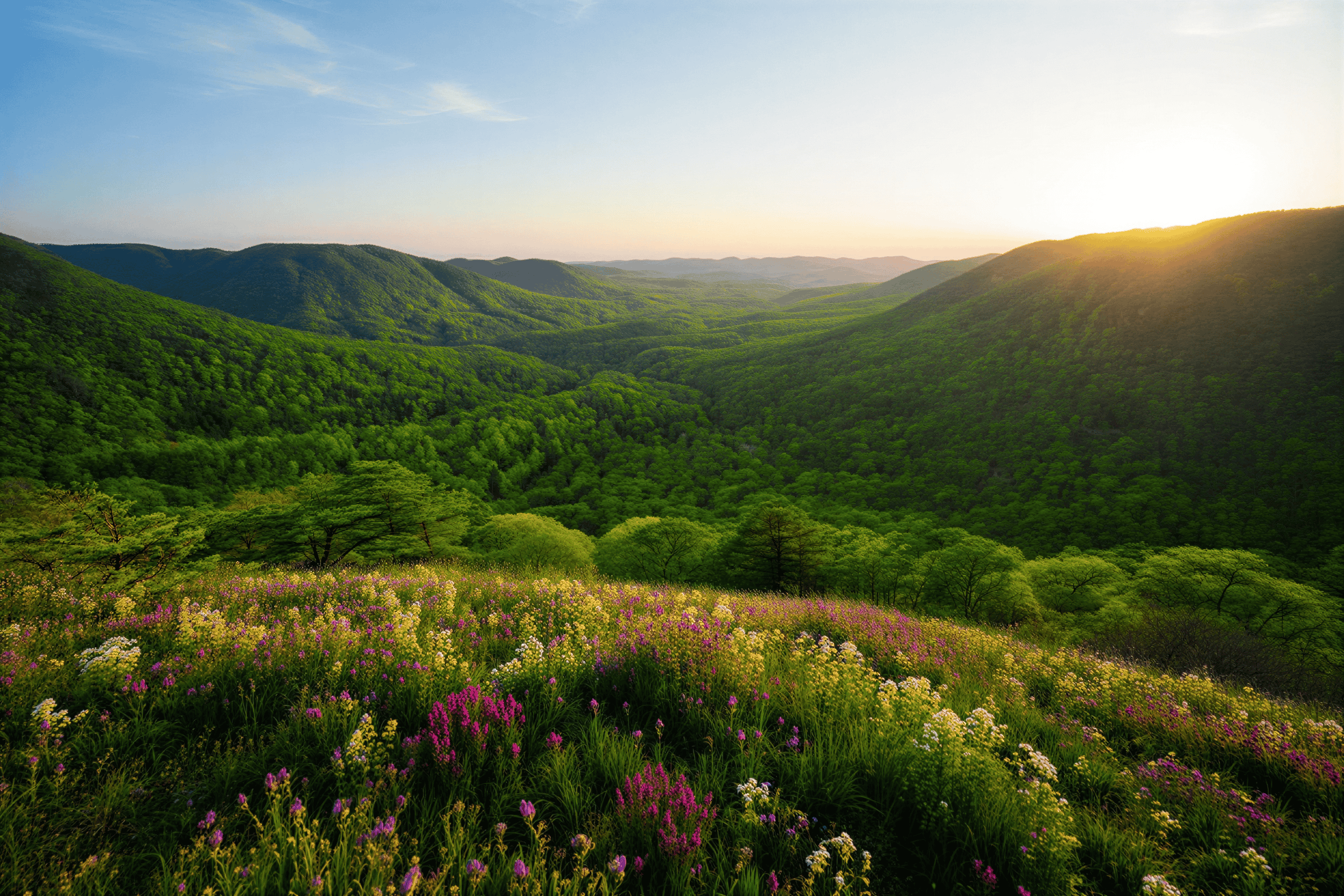
Happy Wan Image to Video: Turn a Photo into a Clip
Upload a photo and turn it into a short clip. Use the photo as the first frame, and optionally add a last frame to set where the motion ends. Happy Wan uses Wan 3.0 to generate 4 to 15 seconds of video, at 480P, 720P or 1080P. Every video comes with synced audio, at no extra cost.
Image to video AI: start from a photo you already have
Image to video AI is useful when you already have a still you want to keep: a product shot, a storefront photo, a frame from a shoot, or a simple graphic. Happy Wan takes that image as the starting point and generates motion from it, so the subject stays recognizable more easily than when you start from text alone. It is still a generated clip, not a guarantee that every detail will match the photo perfectly — check the preview before you download.
First frame, and an optional last frame
The first frame is required: it is the opening image of the clip. You can also add a last frame to show where the shot should end — for example, a product facing forward at the start and turned to a three-quarter view at the end, or a closed box and then the same box opened. If you do not add a last frame, Happy Wan generates the motion from the first image and your prompt alone.
In the prompt, describe what happens between the frames: the action, the camera move, and the sounds you want. Keep the instruction short and specific.
Length, framing and export
Each clip runs from 4 to 15 seconds, at 480P, 720P or 1080P. Aspect ratios are 16:9, 9:16, 4:3, 3:4, 1:1 and 21:9. That covers widescreen posts, vertical stories, square frames and ultra-wide 21:9. Preview the result with sound and download an MP4.
Video costs 5 credits per second, whatever the resolution. A 5-second clip is 25 credits. Every video comes with synced audio, at no extra cost. New accounts get 50 credits. The exact cost is shown before you generate. If a generation fails, those credits come back automatically. Plans and credit packs are on the pricing page.
How it works
- Upload a photo as the first frame. Optionally add a last frame to set the ending.
- Describe the motion and the sounds you want. Pick resolution, length and aspect ratio, and check the credit cost.
- Generate, preview the clip with sound, and download the MP4.
FAQ
- What is Happy Wan image to video?
- It turns a still photo into a short video. You upload an image as the first frame, optionally add a last frame, and describe the motion. Wan 3.0 generates the clip. Every video comes with synced audio, at no extra cost.
- Do I have to add a last frame?
- No. The last frame is optional. If you only have one photo, upload it as the first frame and describe the motion in your prompt.
- How long and how sharp can the clip be?
- Each video is 4 to 15 seconds long, at 480P, 720P or 1080P. Aspect ratios are 16:9, 9:16, 4:3, 3:4, 1:1 and 21:9.
- Will the subject still look like my photo?
- The first frame is the starting image, so the subject usually stays recognizable. It is not a promise that every detail will match. Always preview the clip before you use it.
- Does the video include sound?
- Yes, every video comes with synced audio.
- Does sound cost extra?
- No.
- How do credits work, and what if a generation fails?
- Video costs 5 credits per second, whatever the resolution. A 5-second clip is 25 credits. New accounts get 50 credits. The exact cost is shown before you generate. If a generation fails, the credits are returned automatically. See Happy Wan Pricing.